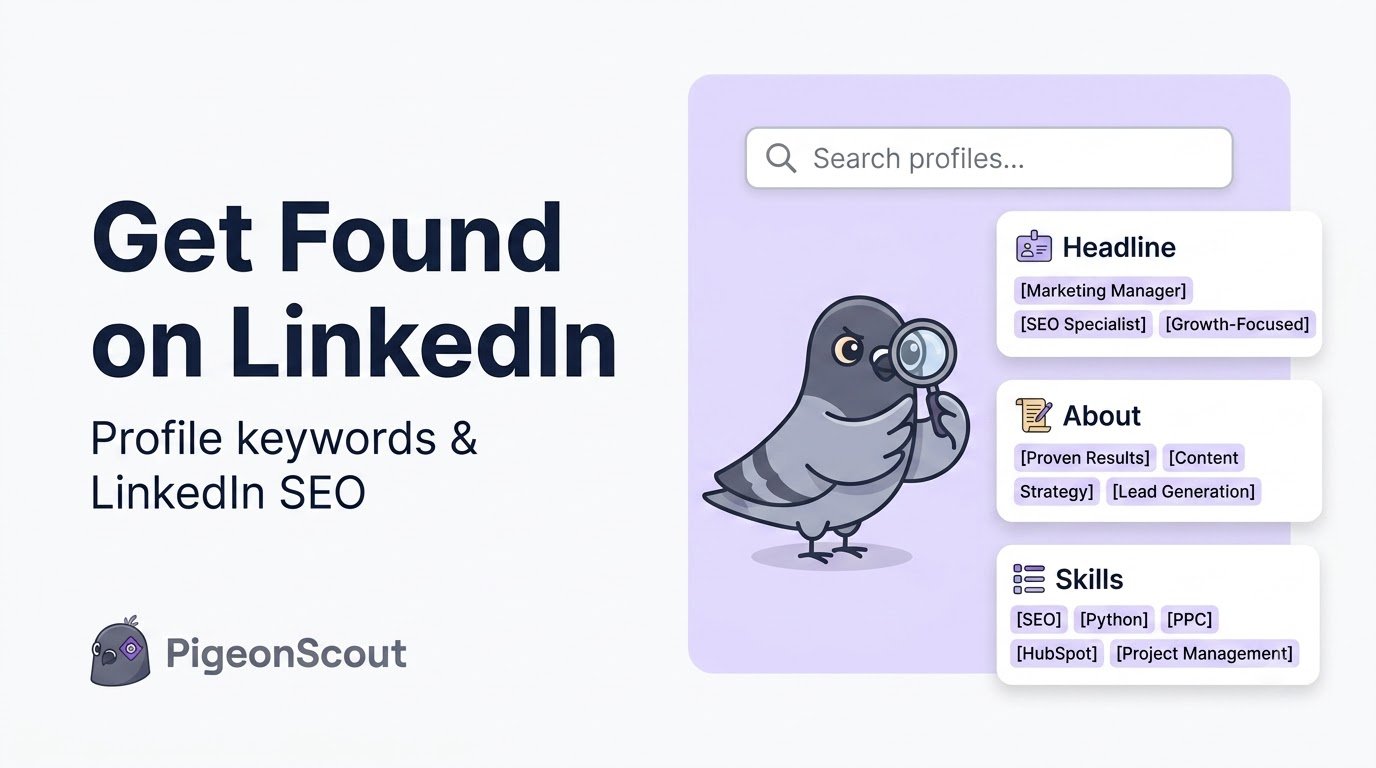
Here’s what most people miss: LinkedIn is a search engine. Recruiters, buyers, and partners type words into that search bar every day, and LinkedIn’s algorithm decides whose profile to show them. If your profile uses the words your audience searches, you show up. If it doesn’t, you’re invisible, no matter how good you are.
This is how to find the right LinkedIn keywords, place them where they carry the most weight, and turn your profile into something the search algorithm actively surfaces. Call it what it is: LinkedIn SEO.
Why LinkedIn Keywords Matter
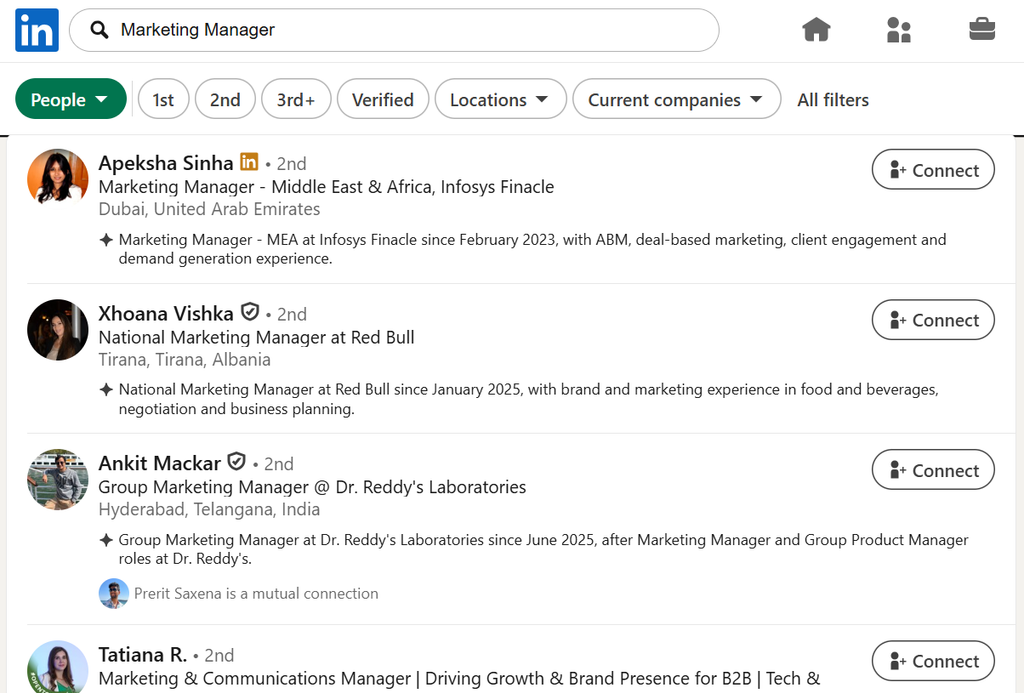
Every time someone searches “fractional CMO,” “supply chain recruiter,” or “B2B lead generation agency,” LinkedIn ranks profiles by relevance, and relevance is driven heavily by the words in your profile and where they appear. Nail this and you get found passively, every single day, by people already looking for what you do.
It’s the same principle as ranking a web page on Google, applied to your profile. That’s why we call it LinkedIn SEO.
Step 1: Find the Right Keywords (Don’t Guess)
Generic keyword lists are useless because your buyers don’t all search the same way. Here’s how to find yours:
- Ask your best clients what they typed before they found someone like you.
- Read the job titles of the people you want to reach, mirror their language, not your internal jargon.
- Study 5–10 top profiles in your niche. What words repeat in their headlines and About sections?
- Use LinkedIn’s own search: start typing a term and watch the autocomplete suggestions, those are real searches.
- Check job posts for the roles you serve or want; they’re dense with the exact terms recruiters use.
Build a shortlist of 5–8 primary keywords: the role, the service, the industry, and the outcome you’re known for.
🕊️ A note from the flock
The exact same skill powers great outbound. When you know the precise language your buyers use to describe their problem, you can search for them with surgical accuracy (in Sales Navigator or LinkedIn search) and speak their language in your first message. In PigeonScout, the tightest-converting sequences always start with this: mirror the prospect’s own words. Keyword research isn’t just how you get found, it’s how you sound human when you reach out.
Step 2: Where to Place Your LinkedIn Keywords
Not all sections carry equal weight. Place your keywords where the algorithm, and human readers, notice them most:
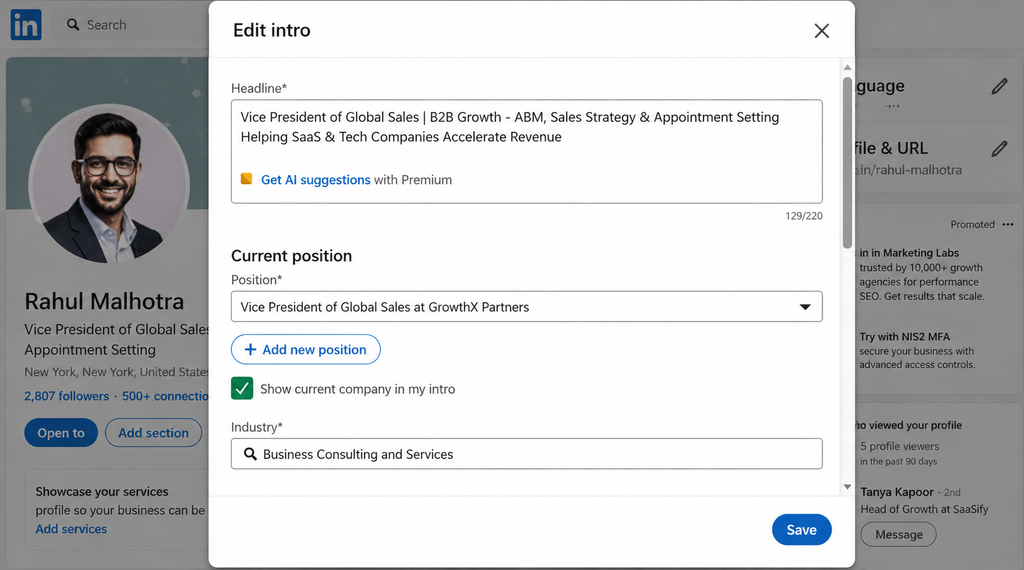
Headline (highest weight)
Your headline is the single most powerful keyword field. Work in your top 2–3 terms naturally: “B2B Lead Generation for SaaS | LinkedIn Outreach & Cold Email | Founder.”
Name field & “current position”
Your current job title is heavily weighted in search. Where truthful and allowed, phrase it in searchable terms rather than an internal title nobody searches (“Growth Marketer” beats “Demand Ninja”).
About section
Repeat your primary keywords naturally across your first few lines and throughout. LinkedIn reads this text; so do your visitors. Don’t stuff, write for humans, and the keywords will fit.
Experience (titles + descriptions)
Each role’s title and description are searchable. Use real, searchable role names and weave in the skills and outcomes tied to your keywords.
Skills section
Your Skills are literal keyword tags. Pin the 3 that matter most and fill the rest with terms your audience searches. Endorsements on those skills reinforce relevance.
Step 3: Don’t Keyword-Stuff (It Backfires)
There’s a line between optimized and spammy, and crossing it hurts you with both the algorithm and real people:
- Write for humans first; place keywords where they read naturally.
- Use variations, not the same phrase 15 times (“lead generation,” “generating leads,” “lead gen”).
- If a sentence only exists to hold a keyword, delete it.
A profile that reads like a keyword list repels the exact buyers you’re trying to attract.
Step 4: Reinforce Keywords Beyond the Profile
Your profile isn’t the only signal. Strengthen your relevance for a topic by:
- Posting about it. Consistently posting on your core topic teaches LinkedIn what you’re an authority on.
- Commenting in your niche with those terms.
- Getting endorsed and recommended using language tied to your keywords.
The more your whole presence orbits a clear set of topics, the more LinkedIn associates you with them.
Your LinkedIn Keyword Checklist
- ✅ Shortlist of 5–8 buyer-driven keywords (found, not guessed)
- ✅ Top 2–3 keywords in your headline
- ✅ Searchable, truthful current job title
- ✅ Primary keywords woven into your About (naturally)
- ✅ Real role names + keyworded descriptions in Experience
- ✅ 3 pinned Skills + relevant supporting skills
- ✅ No stuffing, every line reads for a human
- ✅ Posting and engaging on your core topic
Frequently Asked Questions
What are LinkedIn keywords? They’re the words and phrases your audience types into LinkedIn search to find people like you, job titles, services, industries, and skills. Placing them in the right profile sections helps LinkedIn’s algorithm surface you in relevant searches.
Where should I put keywords on my LinkedIn profile? The highest-weight spots are your headline, current job title, and Skills section, followed by your About and Experience descriptions. Your headline matters most, put your top terms there.
Does keyword stuffing help my LinkedIn profile rank? No. Overloading your profile with repeated keywords reads as spam to both the algorithm and human visitors. Use natural language and variations instead.
How is LinkedIn SEO different from Google SEO? The principle is the same, match the searcher’s language and place terms where they carry weight, but the “search engine” is LinkedIn’s internal search, and the ranked result is your profile rather than a web page.
How long until keyword changes make a difference? Search visibility can shift within days of updating your headline and Skills, but it compounds over weeks as you also post and engage on those topics.
The Bottom Line
Treat your profile like the search result it is. Find the LinkedIn keywords your buyers actually use, place them where they carry weight, and reinforce them with consistent posting, and you’ll get found by the right people without lifting a finger.
👉 Read next: [How to Optimize Your LinkedIn Profile for Leads] and [How to Use LinkedIn Sales Navigator].
🕊️ Get found and go find them
Keywords help the right buyers discover you. PigeonScout helps you discover and reach them first, targeted, safe, human-paced outreach across LinkedIn and email, powered by AI replies that mirror your prospect’s own language. [Start free →]