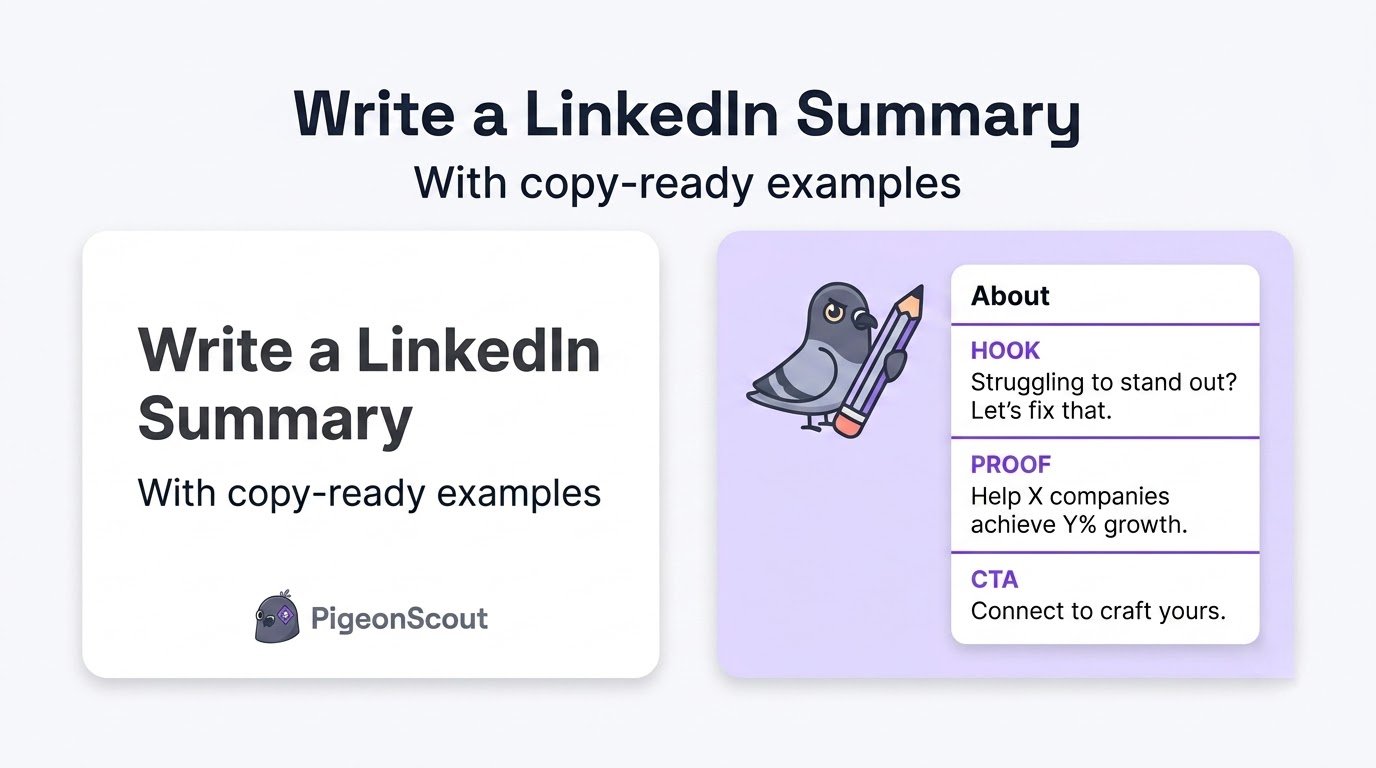
Your LinkedIn summary, the “About” section, is the closest thing you have to a personal sales page. It’s where a visitor decides whether you’re worth their time. Yet most people leave it blank or fill it with a stiff third-person bio nobody reads.
Here’s how to write a LinkedIn summary that hooks the right people, proves you’re credible, and tells them exactly what to do next, with copy-ready examples for different roles.
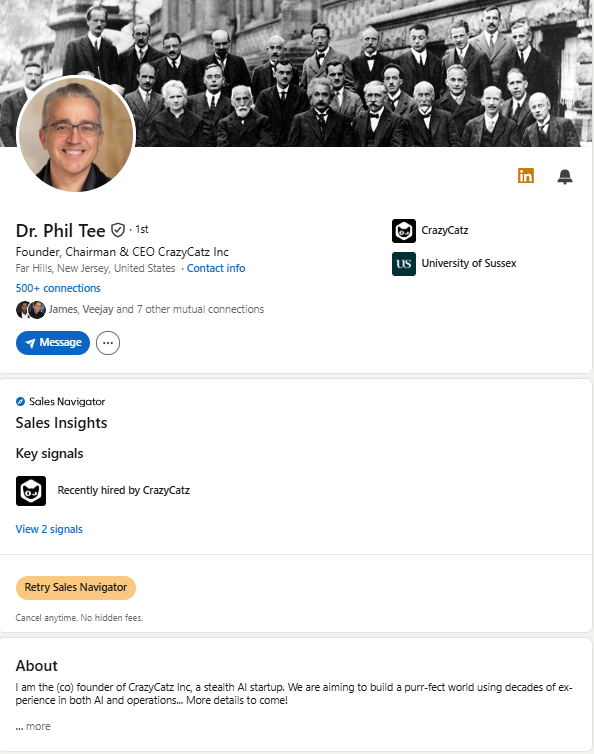
Why the First Two Lines Decide Everything
LinkedIn only shows the first two or three lines of your About before a “…see more” link. If those lines don’t hook the reader, the rest of your beautifully written summary is never seen.
So the single most important rule: make the opening earn the click. Lead with the reader’s problem, a bold statement, or an intriguing result, not “I am a results-driven professional with 10 years of experience.”
How to Write a LinkedIn Summary, Step by Step
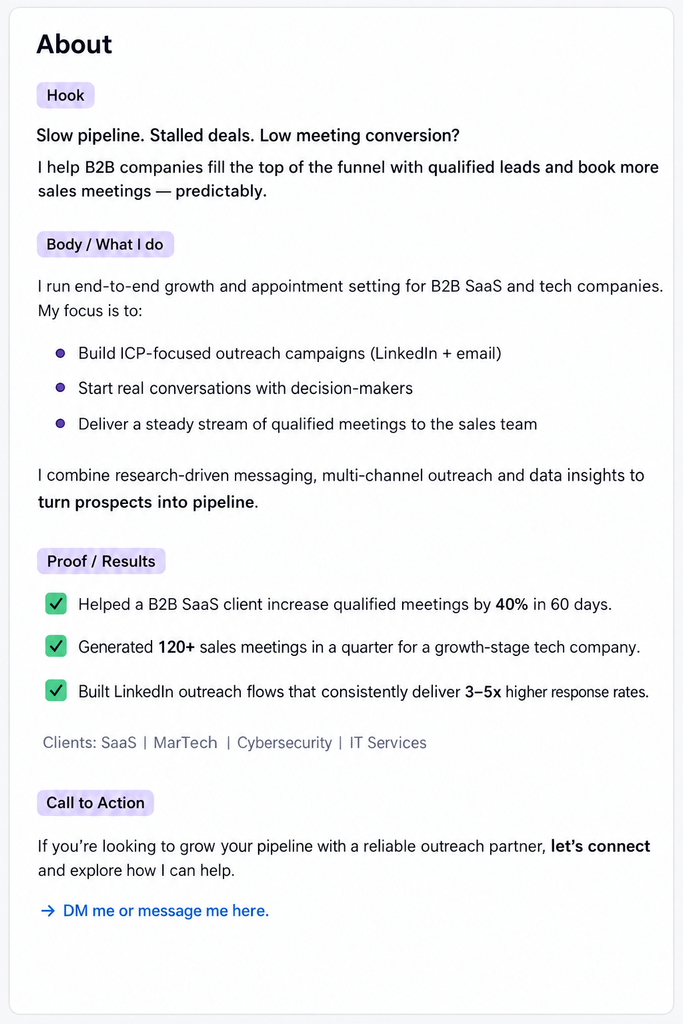
Use this four-part structure. It works for job seekers, founders, freelancers, and salespeople alike.
1. The hook (lines 1 to 2)
Grab attention before the cutoff. Options that work:
- Name the reader’s pain: “Most B2B outreach gets ignored. Here’s how I fix that.”
- Lead with a result: “I’ve helped 40+ agencies book meetings without a single account ban.”
- Ask a sharp question: “What if your LinkedIn profile actually generated leads while you slept?”
2. Who you help and what you do
Now that they’ve clicked “see more,” get specific. Who is your audience, what problem do you solve, and what outcome do you create? Write in first person. Keep sentences short.
3. Proof
Back it up. Numbers, recognizable clients, results, credentials, awards. This is where credibility is won. “Over the last three years I’ve built demand engines that generated $12M in pipeline for early-stage SaaS.”
4. The call to action
Never leave the reader wondering what’s next. Tell them: “Book a call,” “DM me the word AUDIT,” or “Grab the free guide in my Featured section below.”
🕊️ From the pigeonhole
Your summary quietly powers your outreach. When you send a connection request or a first message, the interested prospect clicks your profile and reads your About before they reply. A summary that opens with their problem and ends with a clear next step turns curious visitors into replies. We tell every PigeonScout user the same thing: a strong sequence pointed at a blank About section is a leaky funnel. Write the summary once; it lifts every message you’ll ever send.
LinkedIn Summary Examples by Role
Founder / Business Owner
Most agencies grow until outreach becomes chaos, then stall.
I started [Company] to fix exactly that. We help B2B agencies run LinkedIn and email outreach for dozens of clients at once, safely, without the account bans that sink most tools.
In the last two years we’ve helped 60+ agencies book more meetings with less risk and fewer tools.
If you’re scaling client outreach and tired of playing ban roulette, let’s talk. DM me “SCALE” or book a call in my Featured section.
Sales Professional
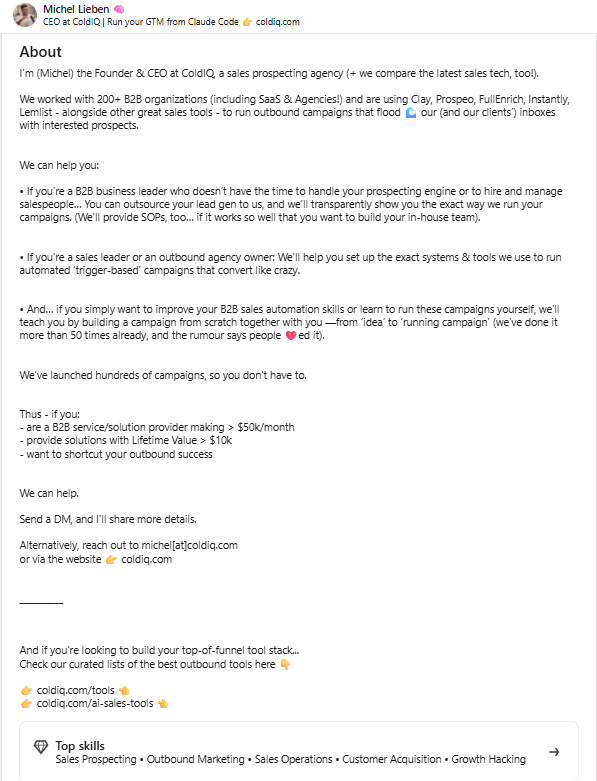
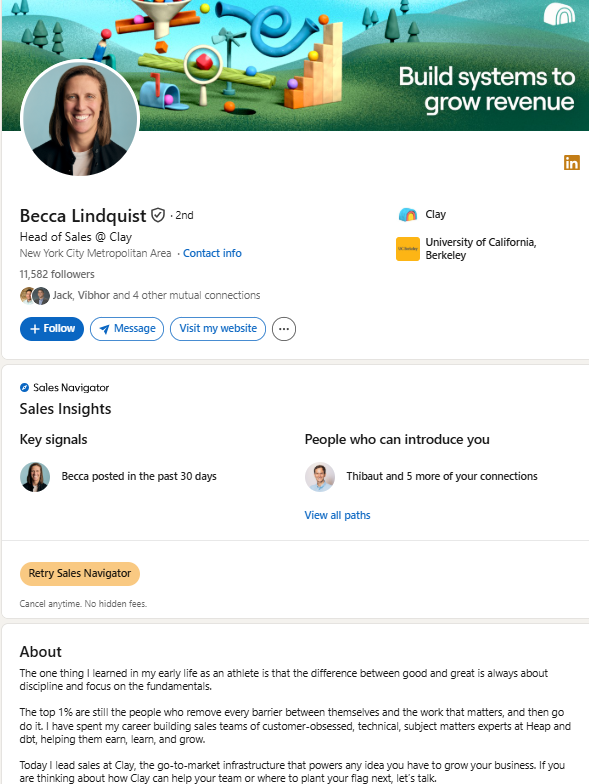
I don’t do spray-and-pray outreach. I do research, relevance, and results.
I help SaaS revenue teams turn cold lists into booked demos by leading with the prospect’s actual problem, not my pitch.
Last year: 240+ meetings booked, 30% reply rates on campaigns most people would call “impossible.”
Building a pipeline for a B2B product? Let’s connect. I’m always happy to trade notes on what’s working.
Freelancer / Consultant
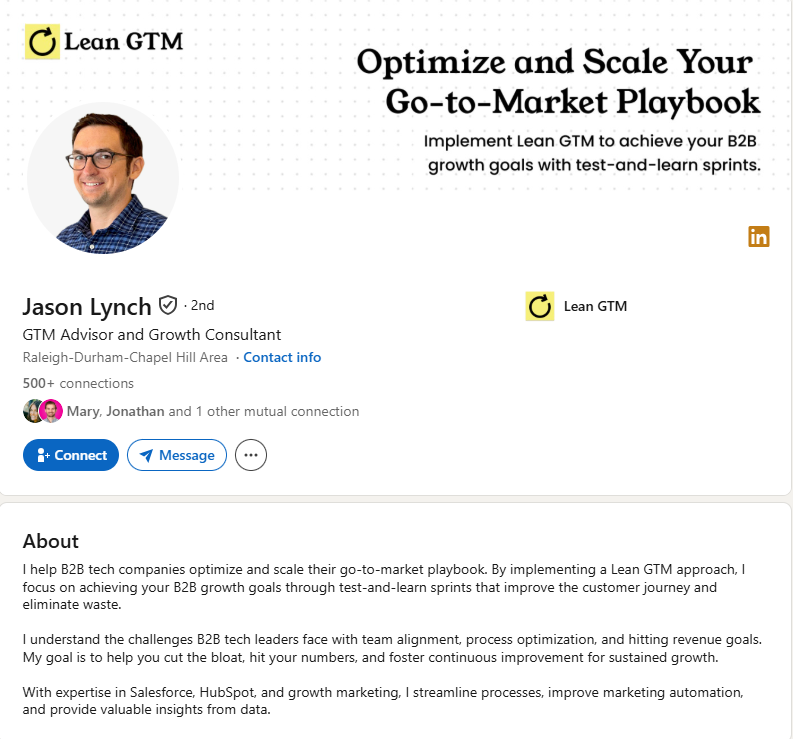
Great work that nobody can find isn’t great work. It’s a secret.
I’m a freelance content strategist who helps B2B companies turn dry, technical topics into content people actually read, share, and act on.
Clients include [names], and my work has driven [result]. I write, I edit, and I make sure the words earn their keep.
Need content that converts, not just fills a calendar? Message me, or see samples in my Featured section.
Job Seeker
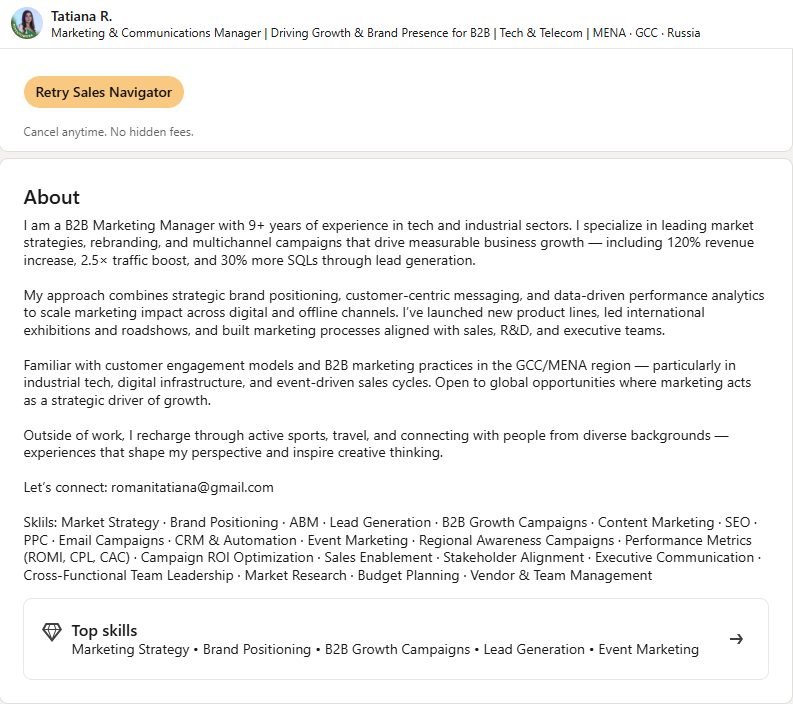
I’m the person teams call when the data is a mess and the deadline was yesterday.
As a data analyst, I turn scattered spreadsheets into decisions leadership can act on. At [Company], I built dashboards that cut reporting time by 60% and caught a churn issue worth $400k.
I’m now looking for my next role on a team that values clarity over complexity.
If that sounds like your team, let’s connect. I’d love to hear what you’re building.
Do’s and Don’ts
Do:
- Write in first person (“I help…”)
- Break it into short, scannable lines
- Front-load the hook before the cutoff
- End with one clear call to action
- Include the keywords your audience searches
Don’t:
- Write in stiff third person (“Jane is a…”)
- Bury the point in a wall of text
- List every job you’ve ever had (that’s what Experience is for)
- Forget the CTA
- Use empty buzzwords with no proof
Frequently Asked Questions
How long should a LinkedIn summary be? Long enough to hook, prove, and prompt action, usually three to five short paragraphs. What matters most is that the first two lines earn the “…see more” click. LinkedIn allows up to 2,600 characters.
Should I write my LinkedIn summary in first or third person? First person. It reads as more genuine and conversational. Third-person bios feel like a press release and create distance from the reader.
What should the first line of my summary say? Something that hooks the reader before the cutoff: their problem, a striking result, or a sharp question. Save the “results-driven professional” language for the trash.
Do I need a call to action in my LinkedIn summary? Yes. Tell the reader exactly what to do next: book a call, message you a keyword, or check your Featured section. Without it, interested visitors have nowhere to go.
The Bottom Line
Knowing how to write a LinkedIn summary comes down to one shift: treat it as a sales page, not a biography. Hook them in the first two lines, prove you can help, and tell them what to do next. Do that and your About section starts working for you around the clock.
👉 Read next: [50 LinkedIn Headline Examples That Get Clicks] and [How to Optimize Your LinkedIn Profile for Leads].
🕊️ Make every message land better
Once your profile does the convincing, PigeonScout does the reaching, safe, human-paced LinkedIn and email outreach with AI replies that actually sound like you. [Start free →]