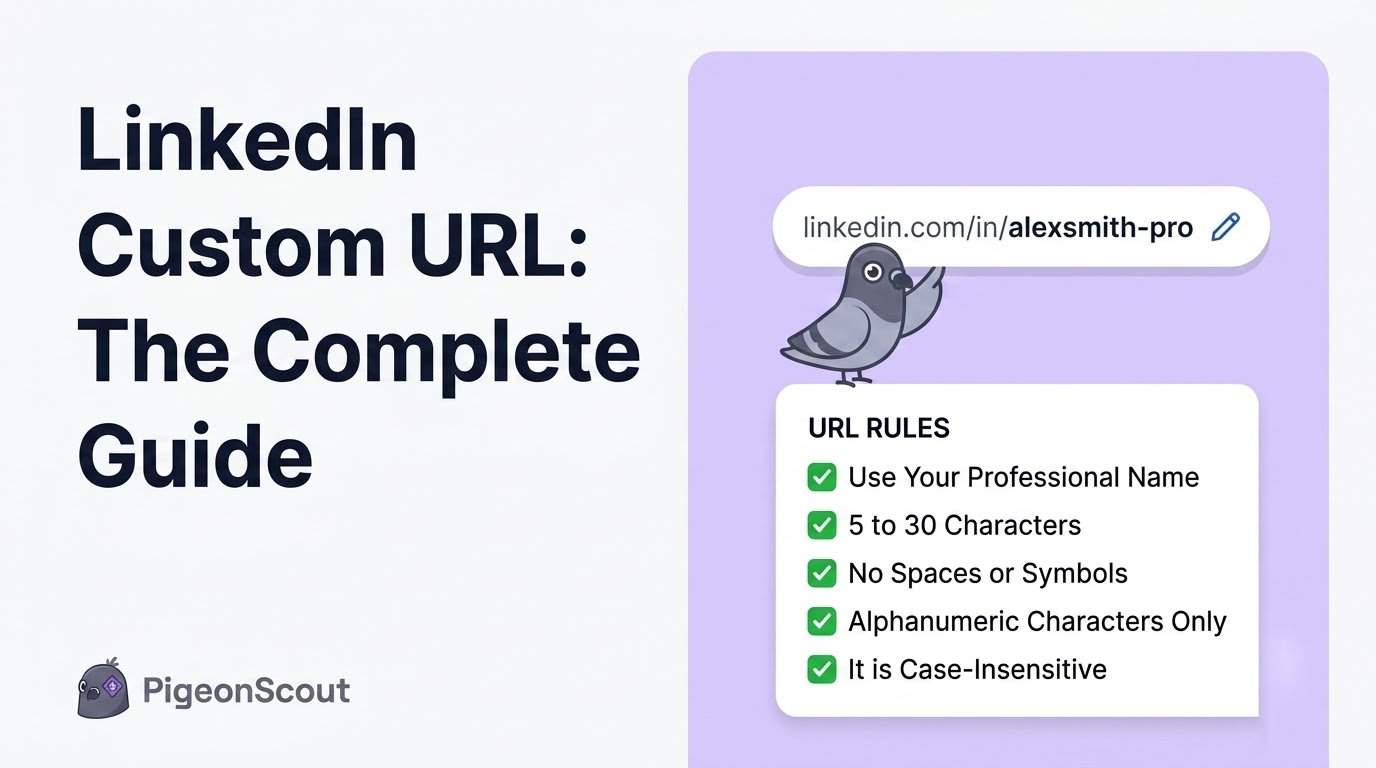
Your LinkedIn custom URL is the web address of your profile, and it’s a small piece of personal branding that shows up in more places than you’d think: résumés, email signatures, business cards, portfolios, and search results. This guide covers everything beyond the basic how-to: the ideal format, smart naming ideas for every situation, real examples, and how to fix the common snags.
(If you just need the quick steps to change it, see [How to Change Your LinkedIn URL].)
What a LinkedIn Custom URL Is (and Why It Exists)
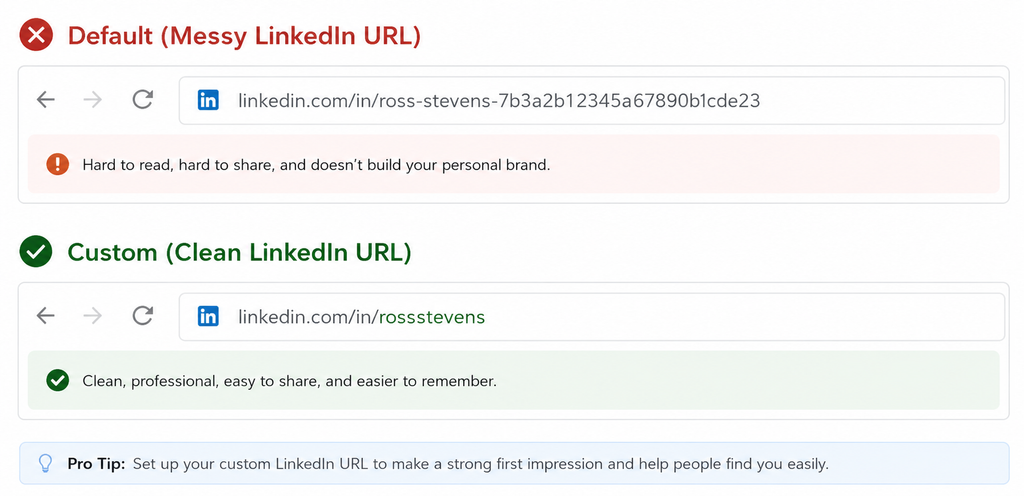
By default, LinkedIn appends a random string to your profile link: linkedin.com/in/firstname-lastname-7f3a92b1. A custom URL replaces that mess with something clean: linkedin.com/in/firstnamelastname.
The purpose is simple. A tidy URL is memorable, shareable, and professional. It’s the difference between handing someone a clean business card and a receipt with your number scribbled on the back.
What Makes a Good LinkedIn Custom URL
The best URLs share a few traits:
- Short and readable. Your name alone is ideal.
- Consistent with your brand. Match the handle you use elsewhere if you can.
- Free of clutter. No strings of numbers, no hyphens if you can avoid them.
- Professional. This is not the place for a nickname or a joke.
The ideal format
In priority order:
- linkedin.com/in/firstnamelastname
- linkedin.com/in/firstname-lastname
- linkedin.com/in/firstnamelastname[differentiator]
Custom URL Rules and Limits
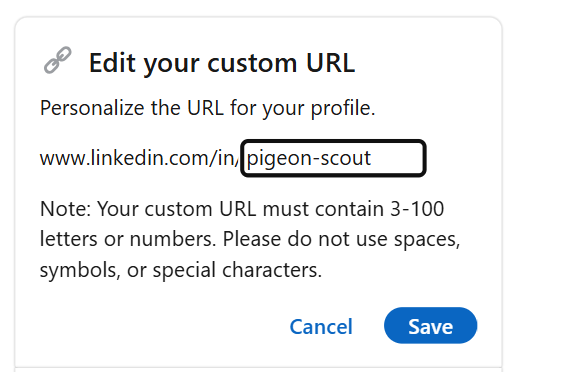
- 3 to 100 characters.
- Letters and numbers only (no spaces, and most symbols aren’t allowed).
- Must be unique across all of LinkedIn.
- Changeable up to 5 times in 6 months.
- Claiming a new URL releases the old one, and the old link stops working.
Naming Ideas When Your Name Is Taken
Common names get claimed fast. Here’s how to stay clean and professional:
| Situation | Idea | Example |
|---|---|---|
| Name taken | Add a middle initial | /in/janedsmith |
| Still taken | Add your profession | /in/janesmithcpa |
| Personal brand | Add your niche | /in/janesmithmarketing |
| Common surname | Add your city (if relevant) | /in/janesmithnyc |
| Building a brand | Use your known handle | /in/thejanesmith |
Avoid adding random numbers (“jane12345”) unless you truly have no other option. They read as an afterthought.
🕊️ A note from the flock
A clean URL is one small piece of a bigger picture: a profile that looks like a real, established professional. That “looks human and complete” quality is exactly what keeps accounts safe when you start doing outreach at scale. It’s the core idea behind PigeonScout, safety by architecture. Polish the profile, then let the outreach engine do the heavy lifting without putting your account at risk.
How to Use Your Custom URL Everywhere
Once you’ve claimed it, put it to work:
- Email signature: a clean link invites more profile visits.
- Résumé and cover letter: far tidier than the default.
- Business cards and slides: short enough to read at a glance.
- Portfolio, website, and other socials: consistent branding across channels.
- Conference bios and speaker pages: a professional touch.
Troubleshooting Common Issues
“This URL is already taken.” Someone has it. Try a variation from the table above.
“You’ve reached the limit of URL changes.” You can only change it 5 times in 6 months. Wait out the window, then change it once, carefully.
“My old link is broken.” Expected. When you claim a new URL, the old one is released. Update your links everywhere you’ve shared them.
“I can’t find the setting on mobile.” The app sometimes hides it. Open LinkedIn in your phone’s browser and use the desktop steps, or edit from a computer.
Bonus: Public Profile Visibility
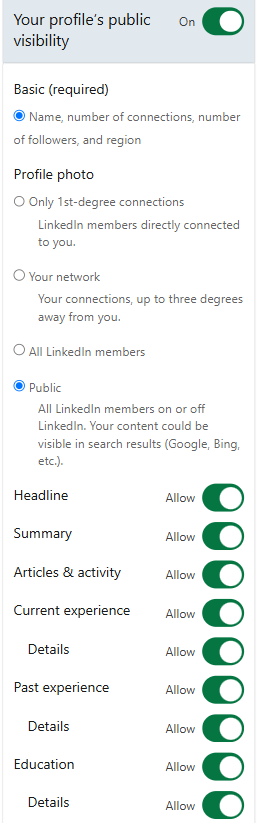
While you’re in the public profile settings, you can also control what shows publicly (to people not logged in, and to Google). Choose which sections appear in your public profile so the version strangers and search engines see is the version you want them to see.
Frequently Asked Questions
What is a LinkedIn custom URL? It’s the personalized web address of your profile, for example linkedin.com/in/janesmith, replacing the default link that ends in random numbers and letters.
What is the ideal LinkedIn URL format? linkedin.com/in/firstnamelastname is best. If that’s taken, use a hyphenated version or add a middle initial, profession, or niche.
How many times can I change my LinkedIn custom URL? Up to five times within any six-month period. After that you’ll have to wait, so choose carefully.
Will changing my custom URL break my old links? Yes. Once you claim a new URL, the old one is released and stops working, so update it in your résumé, signature, and anywhere else you’ve shared it.
Can two people have the same LinkedIn URL? No. Every custom URL is unique across LinkedIn, which is why popular names get claimed quickly.
The Bottom Line
Your LinkedIn custom URL is a two-minute fix that pays off every time you share your profile. Claim a clean, professional address that matches your brand, use it consistently everywhere, and you’ve upgraded a small but visible piece of your professional presence.
👉 Read next: [How to Change Your LinkedIn URL] and [LinkedIn Settings Every User Should Know].