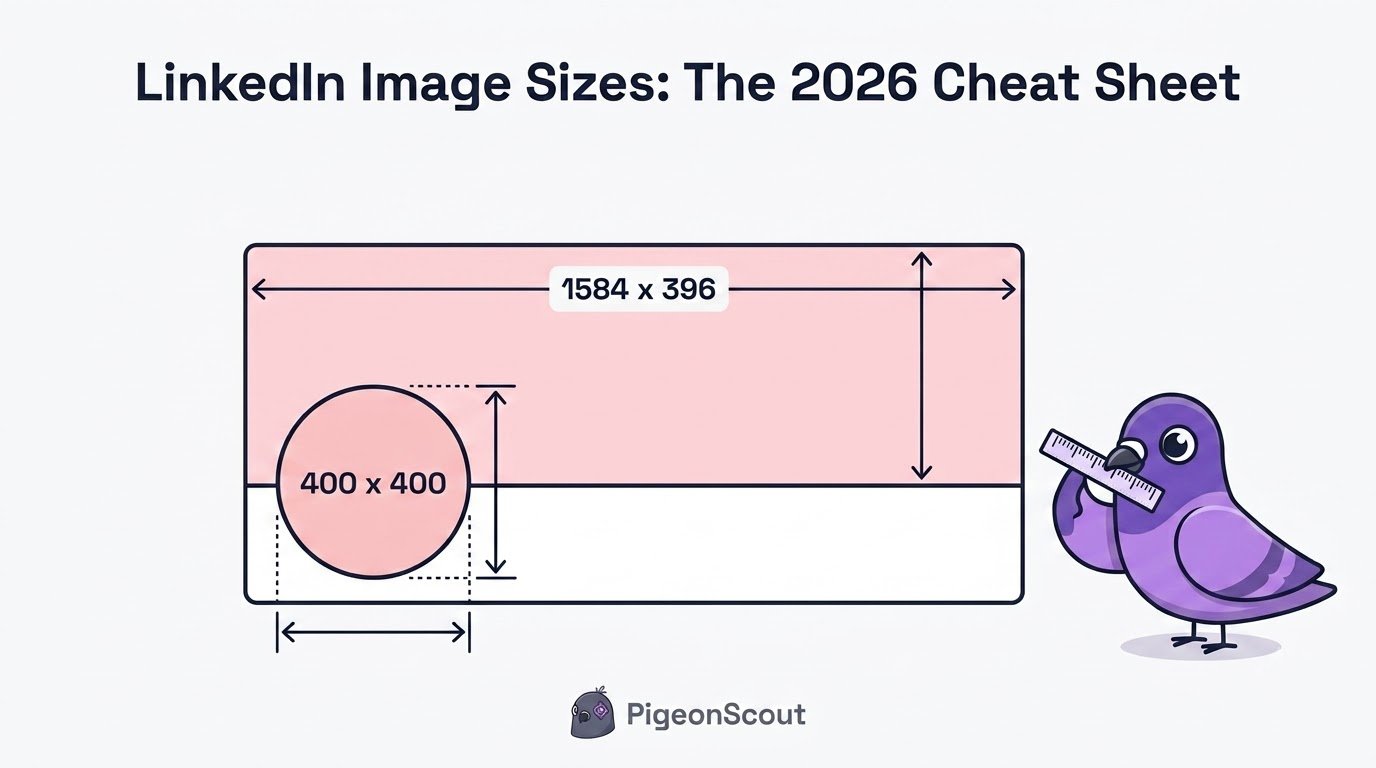
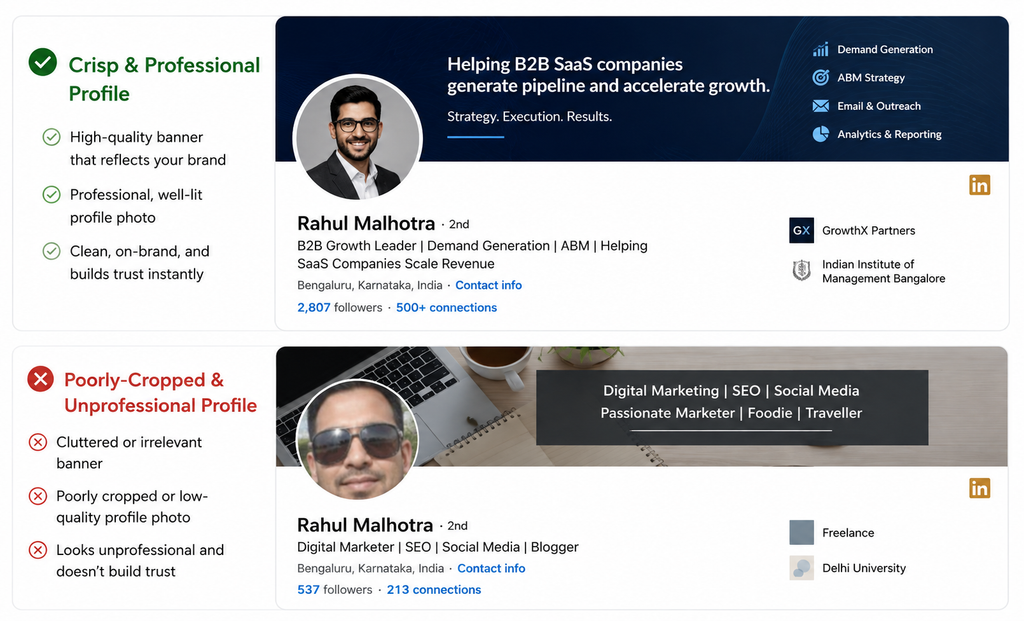
Wrong image dimensions are the fastest way to make a LinkedIn profile look amateur: a blurry photo, a banner with text hiding behind your own face, a company cover stretched into pixel mush. Get the sizes right once and everything looks crisp on every screen.
Here’s every LinkedIn banner size and image dimension you need in 2026, in one scannable cheat sheet, plus the safe zones that keep your important content from getting cropped.
LinkedIn Image Sizes at a Glance
| Image | Recommended size | Aspect ratio | Notes |
|---|---|---|---|
| Profile photo | 400 x 400 px (up to 7680 x 7680) | 1:1 | Max 8 MB. Cropped to a circle. |
| Profile banner (cover) | 1584 x 396 px | 4:1 | Max 8 MB. Crops on mobile. |
| Company page logo | 400 x 400 px | 1:1 | Displays in a square/rounded frame. |
| Company page cover | Upload 4200 x 700 px | ~6:1 | Displays around 1128 x 191; upload larger for sharpness. |
| Square post image | 1080 x 1080 px | 1:1 | Great for the mobile feed. |
| Portrait post image | 1080 x 1350 px | 4:5 | Takes the most feed space; strong engagement. |
| Link share image | 1200 x 627 px | ~1.91:1 | Used when you share a link. |
| Carousel (PDF) slide | 1080 x 1080 or 1080 x 1350 px | 1:1 or 4:5 | Keep text large and centered. |
| Event cover | 1280 x 720 px | 16:9 | For LinkedIn Events. |
| Article cover | 1920 x 1080 px | 16:9 | For LinkedIn Articles. |
File formats: PNG or JPG. Use PNG for graphics with text (sharper edges); JPG for photos. Export in sRGB.
The Two That Matter Most
Profile photo: 400 x 400 px
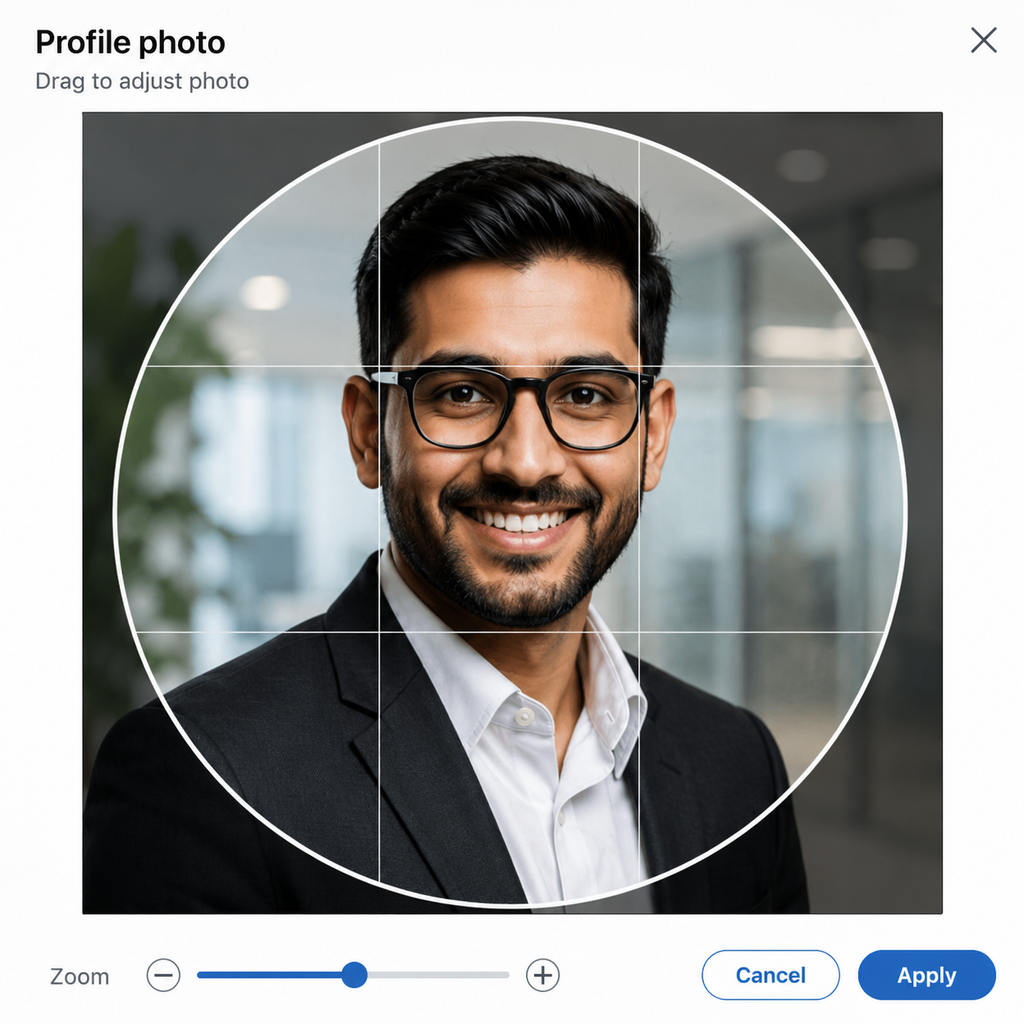
Upload at least 400 x 400 (larger is fine, up to 8 MB). LinkedIn crops it into a circle, so keep your face centered and don’t put anything important in the corners. A clear, well-lit headshot with your face filling roughly 60% of the frame builds instant trust.
Profile banner: 1584 x 396 px
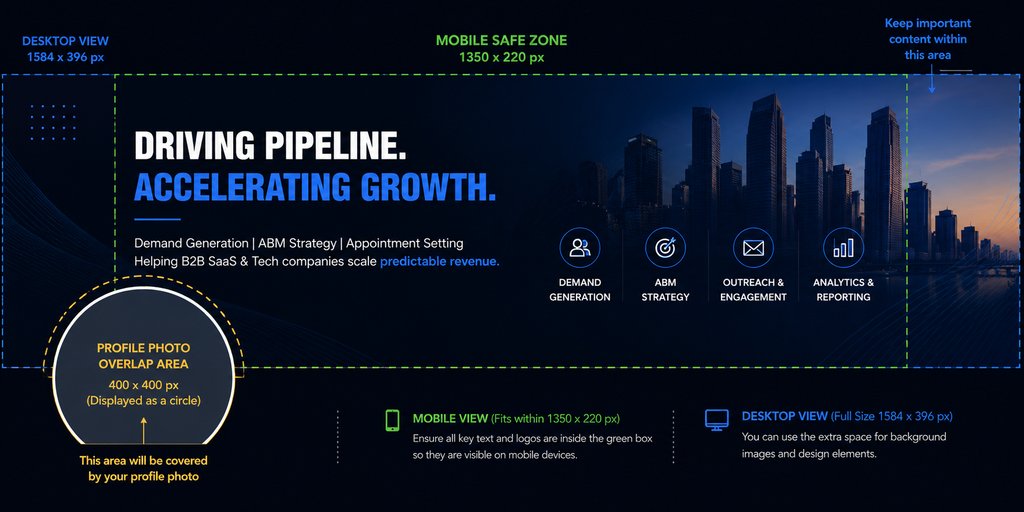
This is the wide image behind your photo, and it’s prime, usually-wasted real estate. Design at exactly 1584 x 396 px (4:1) so LinkedIn doesn’t resize and soften it.

Don’t Skip the Safe Zone
Your banner looks different on desktop and mobile. On phones, LinkedIn crops roughly 15 to 20% off each side, and your circular profile photo overlaps the bottom-left corner of the banner on desktop.
So follow two rules:
- Keep important text and logos in the upper-center of the banner (roughly the middle two-thirds of the width, upper two-thirds of the height).
- Never place anything in the bottom-left corner, where your profile photo sits.
🕊️ Notes from the loft
Sharp, correctly-sized visuals do more than look nice: they signal that an account is real and cared for. That “complete and human” impression is exactly what makes an account trustworthy in LinkedIn’s eyes, which matters a lot once you start doing outreach. For agencies running multiple sender profiles, consistent, on-brand banners across every account also make the whole operation look legitimate rather than throwaway. It’s a small piece of the safety-by-architecture mindset PigeonScout is built on.
The Company Page Cover Confusion, Cleared Up
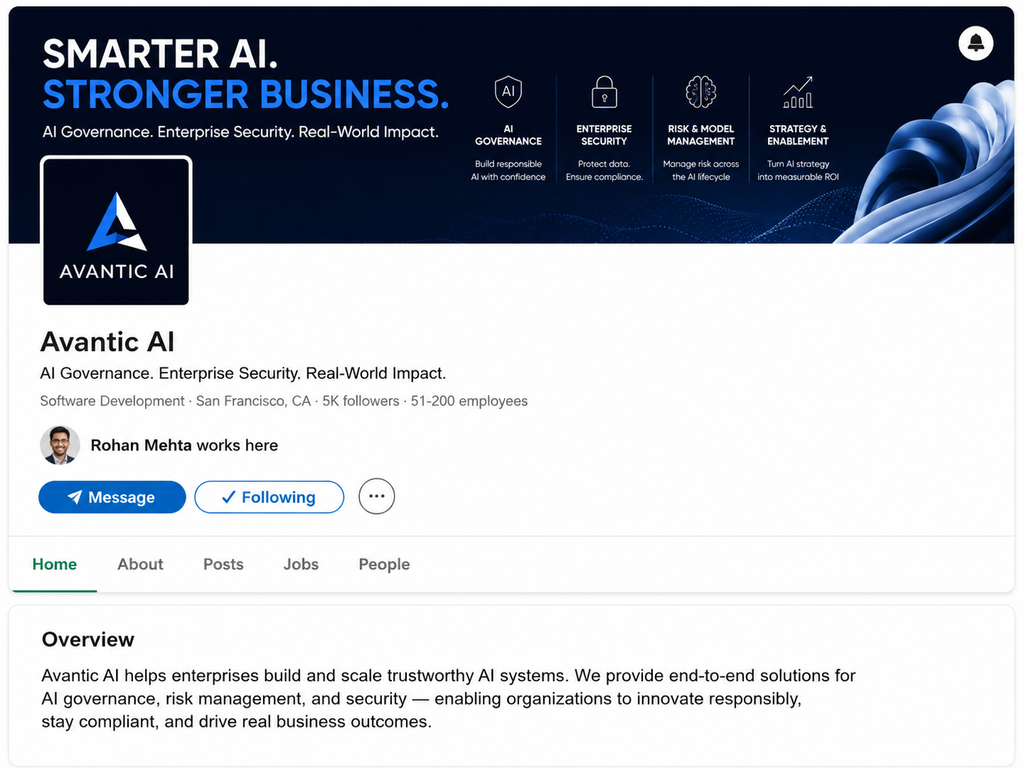
For years, guides listed the company cover as 1128 x 191 px, and that’s roughly how it displays. But LinkedIn recommends uploading at 4200 x 700 px so the image stays sharp on high-resolution screens. Upload the larger file; it renders down cleanly.
Quick Design Tips
- Upload at the exact recommended size so LinkedIn skips resizing (which softens quality).
- Use PNG for anything with text; JPG for photos.
- Preview on both desktop and mobile before you finalize, especially the banner.
- Don’t upscale small images. Blurry is worse than plain.
- Keep file sizes reasonable to avoid heavy compression.
Frequently Asked Questions
What is the ideal LinkedIn banner size in 2026? 1584 x 396 px (a 4:1 ratio) for personal profiles. For company page covers, upload at 4200 x 700 px even though it displays smaller, so it stays sharp on high-resolution screens.
What size should my LinkedIn profile photo be? At least 400 x 400 px, up to 8 MB. It’s cropped into a circle, so center your face and keep the corners clear.
Why does my LinkedIn banner look cropped on mobile? Mobile crops roughly 15 to 20% off each side of the banner. Keep important text and logos in the upper-center safe zone, and avoid the bottom-left where your profile photo overlaps.
What’s the best image size for LinkedIn posts? 1080 x 1350 px (portrait, 4:5) takes the most space in the mobile feed and tends to get strong engagement. Square (1080 x 1080) also works well.
PNG or JPG for LinkedIn images? PNG for graphics with text (sharper edges) and JPG for photographs. Export in sRGB either way.
The Bottom Line
Bookmark this cheat sheet, design at the exact LinkedIn banner size and photo dimensions above, respect the safe zone, and your profile and page will look crisp everywhere. It’s a small polish that makes a real first impression.
👉 Read next: [How to Optimize Your LinkedIn Profile for Leads] and [LinkedIn Profile Tips: Endorsements, Skills & Featured].